What ccglass Does
ccglass is a local logging reverse-proxy and web dashboard that lets you inspect every API request a coding agent sends to a language model provider. Many tools (Claude Code, Codex, DeepSeek-TUI, etc.) ignore standard HTTP proxies and cannot be intercepted by mitmproxy or Charles without fragile patches. ccglass works without CA certificates or TLS pinning issues because the client still performs HTTPS to the real API; only a plain HTTP hop to localhost is intercepted.
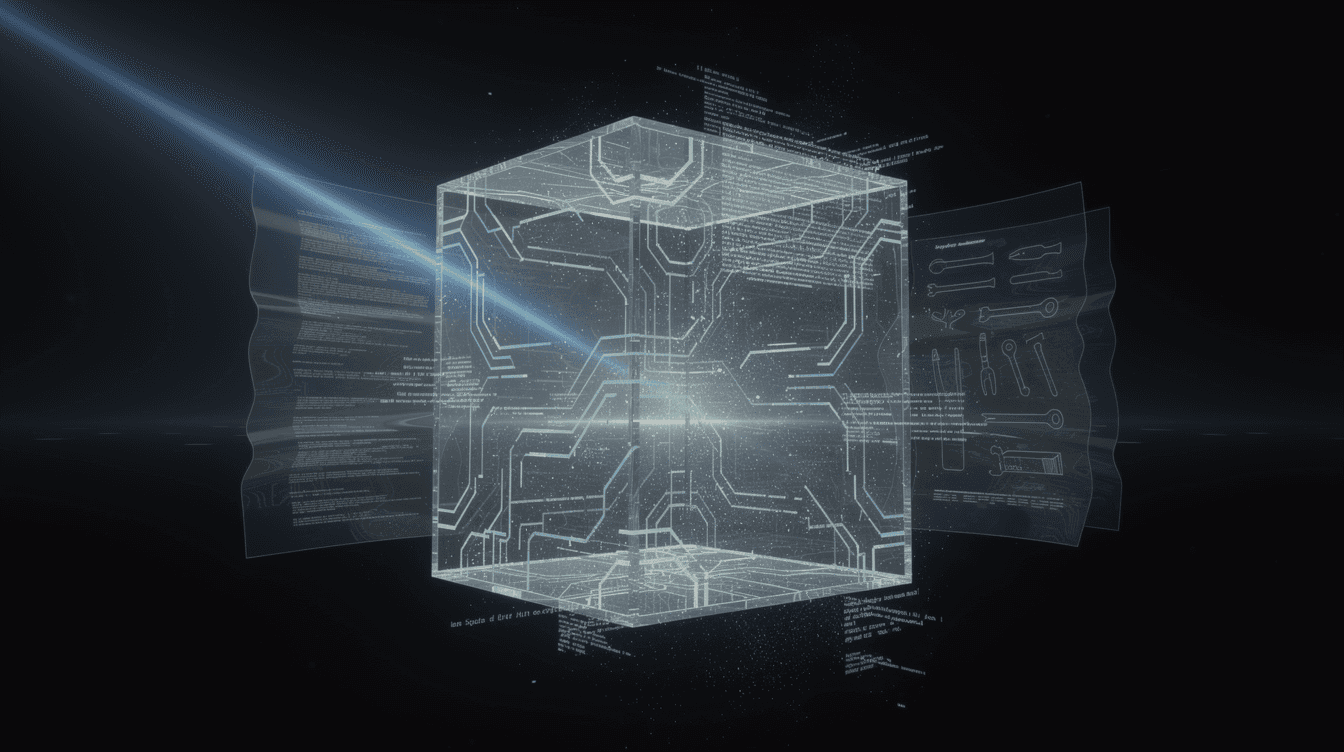
You see the full system prompt, every tool schema, the complete message history, token/cache/cost data, and a turn-to-turn diff. It is useful for understanding what your agent actually sends to the model, debugging prompt-related behaviour, and monitoring usage and cost.
Getting Started
Requirements: Node ≥ 18.
The core proxy and dashboard have no runtime dependencies.
An optional self-inspection (MCP) feature pulls in @modelcontextprotocol/sdk and zod when using ccglass claude with MCP tools (disable with --no-mcp).
Install globally:
npm install -g ccglass
Run without arguments to choose a client interactively, or name the client directly: ccglass claude, ccglass codex, ccglass deepseek, etc.
The tool starts a proxy, sets the appropriate base‑URL environment variable, launches the client, and opens a dashboard in your browser.
Example output shows the proxy and dashboard URLs.
Inspecting Agents and IDEs
Start an inspection for a specific client with optional pass-through arguments: ccglass claude [args...], ccglass codex [args...], and similar for DeepSeek-TUI, Reasonix, Kimi, and OpenCode.
For arbitrary tools, use the generic run subcommand:
ccglass run --upstream https://my.custom.api/v1 --env-var MY_CUSTOM_BASE_URL -- my-tool
You can also reuse a provider’s format with --provider.
For IDE extensions (Cursor, Cline, Continue) that allow a custom API base URL, use ccglass proxy --provider openai or --provider claude.
This starts only the proxy and dashboard without spawning a child process.
The output tells you the proxy address to set in your IDE and the dashboard URL.
Managing Captures
Revisit past sessions with ccglass view.
Migrate old project logs from ./.ccglass into the global store with ccglass migrate.
Force-migrate existing captures to the content-addressed v2 format with ccglass repack [session] (omit session to repack all).
Delete a session and reclaim orphaned blobs with ccglass rm <session>.
Export a single request in raw, Markdown, JSON, or HAR format:
ccglass export <session>/<seq> --format raw|md|json|har
Captures are stored content-addressed: messages, tools, and system blocks are written once to a blobs/ directory and referenced by hash, keeping long sessions efficient.
Configuration and Options
Key command-line flags:
--provider– force the provider format forrun--upstream– override the upstream API URL--port,--proxy-port– dashboard and proxy ports--dir– log directory (default~/.ccglass/sessions/...)--no-open– don’t open the dashboard in the browser--no-mcp– disable self-inspection tools--no-settings-override– don’t force Claude Code onto the proxy--no-redact– keep auth tokens unmasked--env-var– override the environment variable used
Each provider sets a specific environment variable: Claude uses ANTHROPIC_BASE_URL, Codex uses OPENAI_BASE_URL, DeepSeek-TUI uses DEEPSEEK_BASE_URL, etc.
Additional keys may be required (e.g., ANTHROPIC_AUTH_TOKEN for Kimi).
Auth tokens are masked by default; use --no-redact to keep them plain.
Logs are stored in ~/.ccglass/sessions/<project-path-hash>/<session>/NNNN.json, with content-addressed blobs.
Constraints and Limitations
- Codex in ChatGPT‑login mode uses a WebSocket transport that bypasses the proxy; switch to API‑key mode.
- IDE built‑in subscription models (e.g., Cursor’s
api2.cursor.sh) cannot be intercepted; only BYOK mode with a custom base URL works. - AWS Bedrock direct endpoints fail because SigV4 signs the Host header; ccglass prints a warning.
- OpenCode requires
OPENAI_BASE_URLto be set beforehand. - For Ollama or LM Studio on non‑default addresses, pass
--upstreamto point to the correct host:port.
Best Practices
- Run
ccglass migratewhen prompted to move old logs into the global store. - Keep
--no-redactoff to avoid leaking authentication tokens. - Use
ccglass viewto revisit past sessions without relaunching the agent. - Export requests for documentation or debugging with
--format. - When using the self‑inspection MCP feature with Claude Code, keep it enabled unless you don’t need it.
- If a provider switcher already sets
ANTHROPIC_BASE_URL, pass--no-settings-overrideto avoid duplicate overrides. - Treat the log directory as sensitive regardless of redaction.