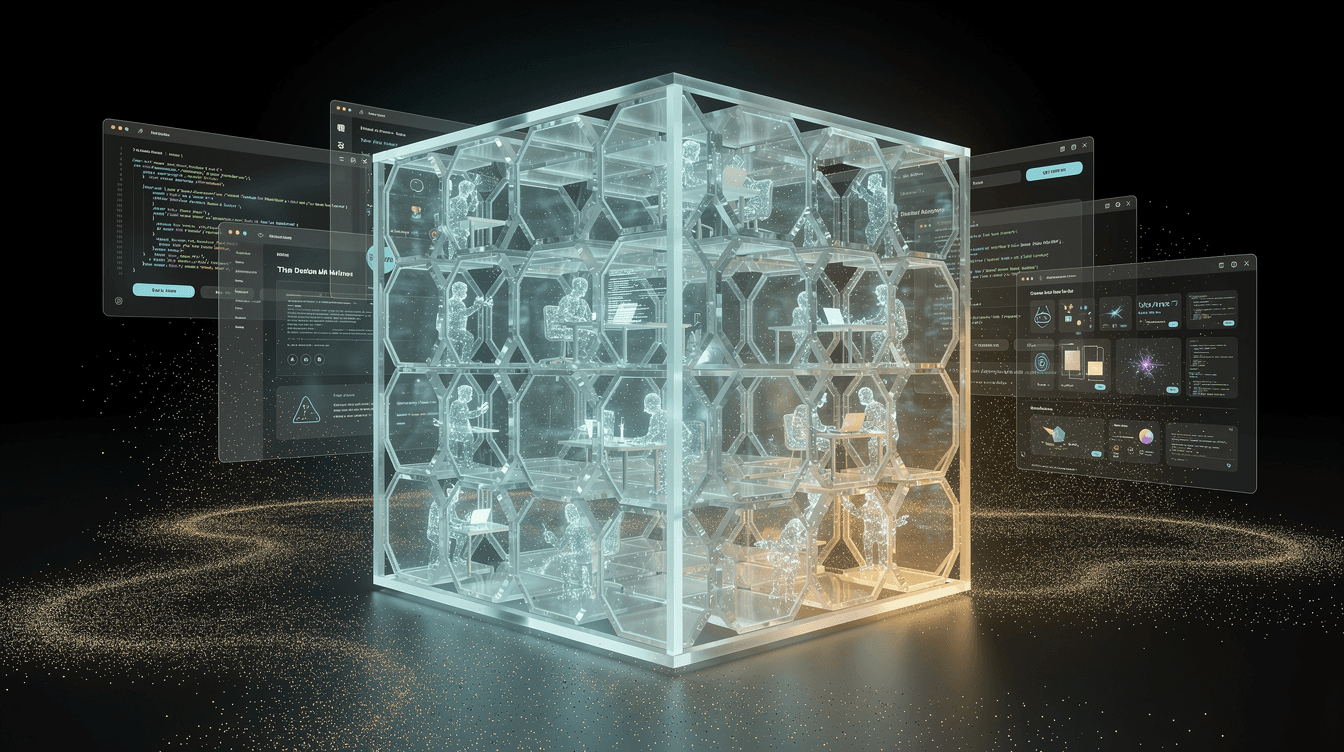
What sandboxed does
sandboxed is the open‑source engine that gives every user an isolated sandboxed environment – a private Linux container with its own filesystem, memory limits, and security hardening. One HTTP request creates the sandbox, runs an AI coding agent (OpenCode or Claude Code) inside, and exposes a live preview URL.
Sandboxes sleep when idle, freeing memory, but workspaces persist on disk. The next request automatically wakes the container and serves the app. This density lets a single host run many tenants without always‑on VMs.
The control plane is a single Go binary that drives Docker through the CLI, with Traefik for routing and TLS, and SQLite for durable state – no Kubernetes, separate database, or message queue.
Use it if you’re building a multi‑tenant AI app builder, coding playground, or per‑user preview platform. Skip it if you only need one or two containers – a shell script or docker run is simpler.
Installation
You need a Linux host with Docker Engine and the Compose plugin. The installer script verifies Docker, builds the sandbox base image and control plane, then starts the whole stack.
Clone the repository:
git clone https://github.com/tastyeffectco/sandboxes.git
2.
Enter the directory and run the installer:
cd sandboxes && ./install.sh
3.
Verify the API is live:
curl http://127.0.0.1:9090/healthz → ok
The script writes a .env file with defaults.
After it finishes, the control plane API is ready at http://127.0.0.1:9090.
git clone https://github.com/tastyeffectco/sandboxes.git
cd sandboxes
./install.sh

# Verify
curl http://127.0.0.1:9090/healthz
# → ok
Basic workflow
- Create a sandbox – specify the ports your app needs (e.g.,
{"ports":[3000]}). The API returns a unique ULID. - Run a coding agent – POST a task with a prompt and an agent name (
opencodeorclaude). The agent works in~/workspace/app. - Stream progress – Server‑Sent Events let you watch the agent’s output in real time.
- Open the preview – The app is instantly reachable at
http://s-<id>-3000.preview.localhost. For production domains, HTTPS is available after TLS configuration.
You can inject API keys at creation time via the env field (e.g., ANTHROPIC_API_KEY).
You can also run any command directly with POST /sandbox/{id}/exec and get a preview link.
API=http://127.0.0.1:9090
# Create sandbox
ID=$(curl -s -XPOST $API/sandbox -H 'content-type: application/json' \
       -d '{"ports":[3000]}' | sed -E 's/.*"id":"([^"]+)".*/\1/')
echo "sandbox: $ID"

# Run a coding agent
curl -s -XPOST $API/v1/sandboxes/$ID/tasks -H 'content-type: application/json' \
  -d '{"prompt":"create a Vite app that shows a todo list and run it on port 3000","agent":"opencode"}'

# Stream events (replace <taskId>)
# curl -N $API/v1/sandboxes/$ID/tasks/<taskId>/events

# Preview URL: http://s-$ID-3000.preview.localhost
API overview and configuration
The API runs on http://127.0.0.1:9090.
Authentication is disabled by default; enable it for production with SANDBOXD_API_AUTH_DISABLED=false and define tokens.
Key endpoints:
POST /sandbox– create a new sandboxPOST /sandbox/{id}/exec– run a commandPOST /v1/sandboxes/{id}/tasks– start a coding agentGET /v1/sandboxes/{id}/tasks/{taskId}/events– SSE progress streamDELETE /sandbox/{id}– stop/cleanup
Settings live in .env (template .env.example).
Important variables:
PREVIEW_DOMAIN– domain for preview URLsHTTP_PORT– Traefik HTTP portSANDBOXED_DATA_DIR– workspace storage directorySANDBOXD_API_AUTH_DISABLED– toggle authenticationSANDBOXD_API_TOKENS–name:secretpairs
For production TLS, point *.preview.yourdomain.com at the host, set PREVIEW_TLS=true, and configure a Let’s Encrypt wildcard certificate.
Constraints and best practices
Key limitations (beta quality):
- Container isolation, not VMs – not trusted for running unknown code; add gVisor or Firecracker if needed.
- API auth off by default – must be enabled before public exposure.
- Preview links are public; no built‑in access gating.
- No disk quotas, open egress, single‑host only, root‑equivalent control plane.
- The system is beta; you may encounter rough edges.
Best practices:
- Start with local defaults for development.
- Enable API authentication before going live – set strong tokens.
- For production, configure TLS with a Let’s Encrypt wildcard.
- Inject API keys at sandbox creation, not in the base image.
- Keep the host secure; the control plane has Docker socket access.
- When scaling, prioritize stronger isolation and a multi‑node plan.
- Read the source – the Go binary and SQLite are deliberately small.
Notable procedures
- Uninstalling:
./uninstall.shstops the stack; add--imagesto remove Docker images,--datato delete all workspaces (with confirmation), or--allfor full cleanup. Only managed objects are affected. - Idle sleep / wake‑on‑request: After inactivity, sandboxes are stopped but workspaces persist. The next preview request transparently restarts the container, shows a warming‑up page, then serves the app.
- Boot‑time reconciliation: On startup, the control plane reconciles the SQLite state with Docker, restarting intended sandboxes and cleaning up orphans. A host reboot does not lose definitions or routes.
- Running agents: The sandbox image includes OpenCode and Claude Code CLIs. A task POST runs the agent headlessly, streams output, and captures the result. Pass provider API keys via environment variables at creation time.